 susan@shin-yua.com
 My inquiry
 My Account
 Upload BOM
How to Test Electronic Components (From Real-World Troubleshooting Experience)
If you've ever spent hours trying to figure out why a circuit isn't working, you'll understand this: testing electronic components is not just a technical process-it's often the difference between guessing and actually solving the problem.
I've worked on boards where a single faulty capacitor caused an entire system to fail, and others where everything looked fine but a tiny diode was silently shorted. Over time, I realized that knowing how to test electronic components properly is less about memorizing steps and more about understanding behavior.
Let me walk you through how this actually works in practice.
Start with the Right Mindset (Not Just the Right Tool)
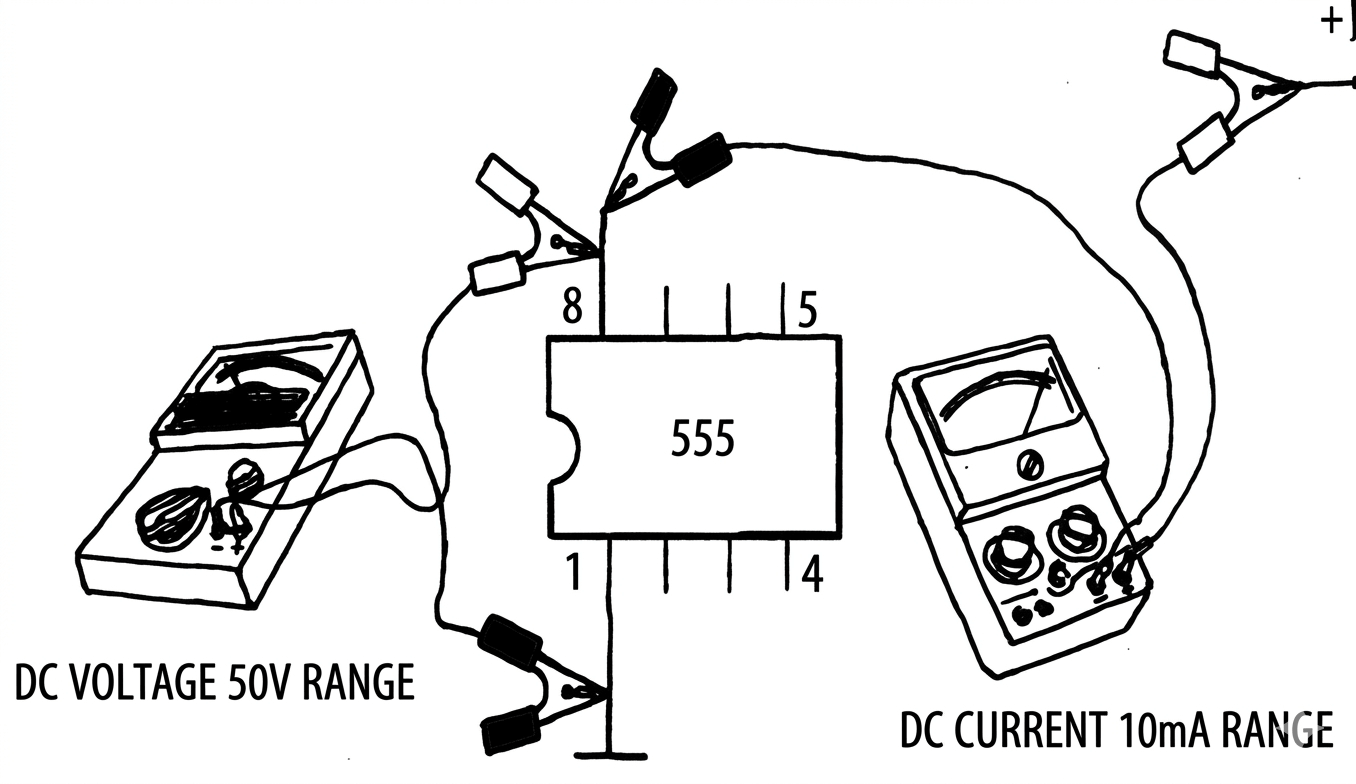
Most people immediately grab a multimeter-and that's correct-but the real skill lies in how you use it.
Before I even touch a probe, I usually ask myself:
- What is this circuit supposed to do?
- Which components are most likely to fail?
- Is this a power issue, signal issue, or component failure?
This mental model saves a lot of time. Because testing without context often leads to misleading results.
Using a Multimeter the Way Professionals Do
A multimeter is simple, but using it effectively takes experience.
When I test components, I don't just look at numbers-I look at behavior over time.
For example, in continuity mode, a stable beep is obvious. But sometimes you'll hear a brief beep that disappears-that often indicates a capacitor charging rather than a true short.
When measuring resistance, I always make sure the circuit is powered off. More importantly, I stay aware of parallel paths. On a PCB, what you measure is rarely just that one component-it's the entire network around it.
That's why beginners often misdiagnose perfectly good components.
How I Actually Test Common Components
Let's talk about real scenarios.
Resistors - Simple, but Easy to Misread
In theory, you just measure resistance and compare it to the rated value. In reality, if the resistor is still on the board, your reading might be influenced by nearby components.
If I get a strange reading, I don't immediately assume it's faulty-I compare it with similar resistors on the same board.
Capacitors - The Most Common Troublemakers
Capacitors fail more often than most components, especially in power circuits.
When I test them, I look for:
- Charging behavior (a rising reading)
- Any sign of a short (near 0 resistance)
But here's the key: sometimes a capacitor tests "okay" but still causes instability under load. In those cases, experience tells me-just replace it. It's often faster than over-testing.
Diodes - Quick to Check, Easy to Confirm
Diodes are one of the easiest components to verify.
I use diode mode and check both directions:
- One direction should show a voltage drop
- The other should show nothing
If it conducts both ways, I don't hesitate-it's bad.
Testing Components on a PCB (Where Things Get Tricky)
This is where most real-world problems happen.
In theory, you should remove components for accurate testing. In practice, that's not always possible.
So what do I do?
I rely on comparison and patterns.
If I suspect a short on a power rail, I:
- Measure resistance to ground
- Compare across different sections of the board
- Feel for heat (carefully)
Sometimes the faulty component literally gives itself away by getting warm.
In production environments, this is also where component quality becomes critical. If you're constantly dealing with inconsistent parts, testing becomes unpredictable. That's why I always recommend sourcing from a trusted electronic components supplier when reliability matters
How to Identify a Faulty Component Faster
Over time, you start to notice patterns.
Some failures are obvious:
- Burn marks
- Cracked packages
- Bulging capacitors
But many are subtle.
One trick I use is "replace and verify":
If a component is cheap and suspicious, I replace it first and test later. This is often faster than trying to prove it's faulty.
Another approach is comparing with a known-good board. Differences in readings can quickly point you to the problem area.
Tools I Actually Use (And When They Matter)
For most tasks, a multimeter is enough.
But when things get complicated:
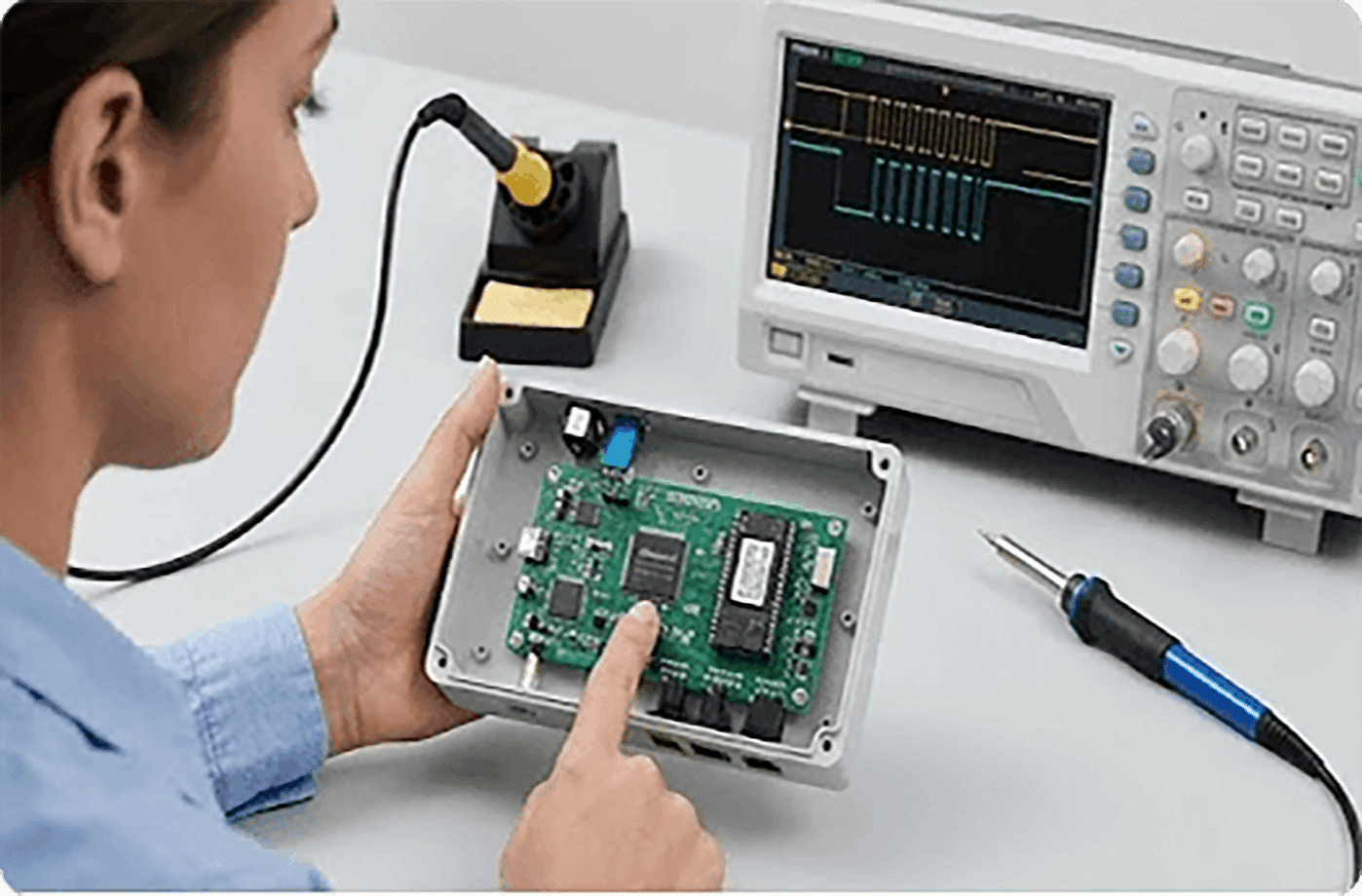
- I use an oscilloscope to check signals
- An LCR meter for precise capacitor/inductor measurements
That said, tools don't solve everything. Consistency in components plays a bigger role than most people expect. Working with a reliable electronic components distributor reduces a lot of hidden variables in testing
The Part Most Guides Don't Tell You
Here's something you won't see in most tutorials:
- Testing is not about proving something is broken-it's about narrowing down uncertainty.
You rarely get a clear "this is the problem" signal. Instead, you eliminate possibilities one by one.
That's why experienced engineers don't rely on a single test-they combine:
- Measurement
- Observation
- Assumption
- Verification
Learning how to test electronic components is a skill that improves with every circuit you touch. The tools are simple, but the thinking behind them is what really matters.
If you focus on understanding how components behave-not just how to measure them-you'll troubleshoot faster, make fewer mistakes, and build more reliable systems.
And in professional environments, combining solid testing skills with consistent component sourcing is what ultimately keeps systems running smoothly.
Related Information

- Help you to save your cost and time.

- Reliable package for your goods.

- Fast reliable delivery to save time.

- Quality premium after-sale service.


